Accessibility
Screen readers
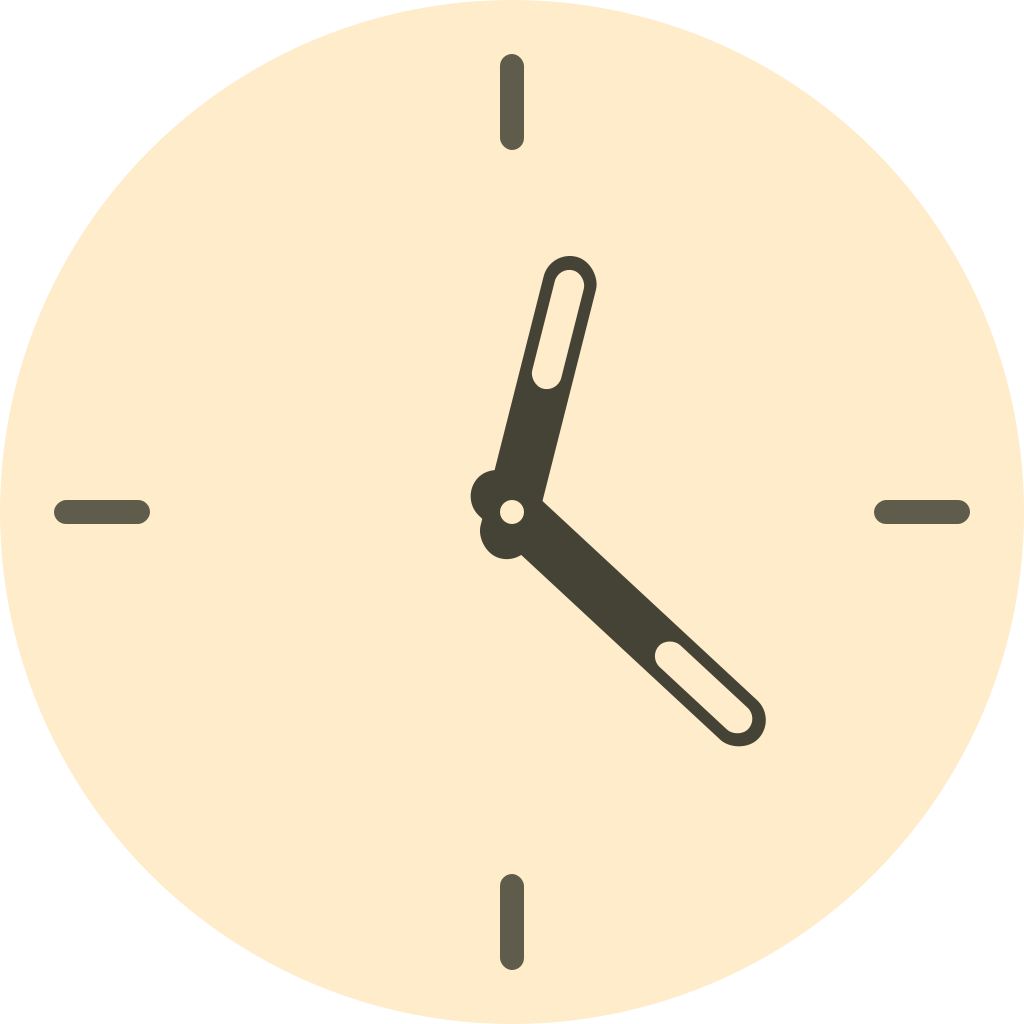
An analog clock face is a picture of the time, not a set of readable controls. Rendering the numerals, ticks and hands as individual elements would make a screen reader announce a meaningless run of numbers, so Clock UI does the opposite:
- The root element is
role="img"with anaria-labelcarrying the time as text, e.g.2:30. - Everything inside the face — numerals, ticks, hands, the date window — is
aria-hidden="true".
The result is a single, meaningful announcement instead of forty fragments.
<div class="clock-ui clock-ui--bordered" role="img" aria-label="2:30">
  <div class="clock-ui__face" aria-hidden="true">…</div>
</div>
The label is a 12-hour reading with padded minutes. It deliberately carries no AM/PM, because an analog face does not show that either.
Reduced motion
Clock UI's movement is driven by JavaScript, not CSS transitions, so a prefers-reduced-motion media query in your own stylesheet cannot switch it off. The components check the preference themselves.
When prefers-reduced-motion: reduce is set:
smoothSweepis ignored and the clock falls back to ticking.- The tick easing — which slightly overshoots each second before settling — is skipped, so the second hand moves straight to its new position.
The preference is watched, not just read once, so toggling it at the OS level takes effect without a reload.
If you are driving ClockWork yourself, pass the flag explicitly:
import { ClockWork } from "@clock-ui/utils";

const reduce = window.matchMedia("(prefers-reduced-motion: reduce)").matches;
const clock = new ClockWork({ reducedMotion: reduce });
Contrast
The default palette is not guaranteed to meet WCAG contrast ratios against every background, because the clock's colors are yours to set. If you are theming it, check --cui-primary-color against --cui-bg-color, and the second hand's --cui-accent-color against the face.
Known gaps
- The clock does not announce the passage of time. This is deliberate — an
aria-liveregion that fires every second would be unusable. If you need a time that updates for screen reader users, pair the clock with your own polite live region on a sensible interval. - The numerals are not selectable text (
user-select: noneon the face).